Designers and manufacturers of control cabinets and gate automation products
Get a Quote
Technical drawings

Draw your own electrical schematics

Being able to produce clear drawings is an invaluable tool these days, so at Control 101 we do what we can to give you the tools to make your control cabinets stand out from the rest.

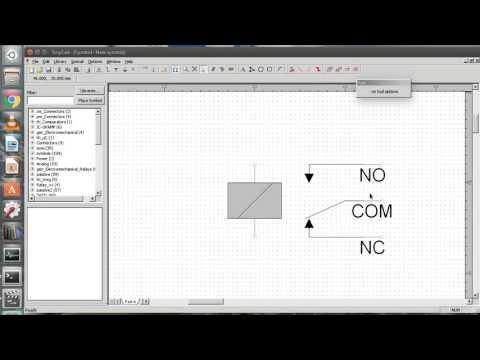
TinyCAD – free electrical drawing software

TinyCAD is free software for making electrical drawings and schematics. Download it from the official TinyCAD website, then follow the video tutorials below to get started.

TinyCAD is open-source software by its own developers. Control 101 is not affiliated with TinyCAD.

Download TinyCAD

TinyCAD video tutorials7 videos

Draw Electronics Circuits the FREE and EASY way with TinyCAD - Part 1 - IntroductionTekSparkz
Draw Electronic Circuits the FREE and EASY Way with TinyCAD - Part 2 - More advanced circuitTekSparkz
Draw Electronic Circuits the FREE and EASY Way with TinyCAD - Part 3 - Logic GatesTekSparkz
Draw Electronic Circuits the FREE and EASY Way with TinyCAD - Part 4 - Make Custom Parts & LibrariesTekSparkz
TinyCad new LibraryVitalij Libert
TinyCAD TUTORIAL 2022Nam Anh Cap
Create new library and schematic symbols in TinyCADOne Transistor